Over 80% of SEO experts expect organic traffic loss from website migrations.
It’s a direct hit to everything you’ve been building for so many years, including leads, conversions, and revenue. Moreover, businesses that manage to recover the loss within six months appear to be lucky, as many may spend years to regain their search rankings.
The reason for this blowout is often a lack of planning. Most businesses treat website migration as a simple act of moving files from one server to another, while it’s a high-stakes business decision with multiple aspects to consider.
What Is Website Migration?
A website migration is the process of moving or rebuilding a website while protecting your existing traffic, leads, and search visibility. The goal is to make major improvements without disrupting how customers find and use your site.
When migration planning fails, the results can be devastating. Potential clients may not find you, or worse, they may not like what they see when they do. As for the Google crawlers, they may see the site as a completely new entity. This often leads to lost rankings, broken indexing, and a steep drop in visibility until the issues are resolved.
To avoid all those nightmares, it’s better to start with understanding the most common types of website migrations.
1. Domain Migration
Example: Moving from oldsite.com → newsite.com
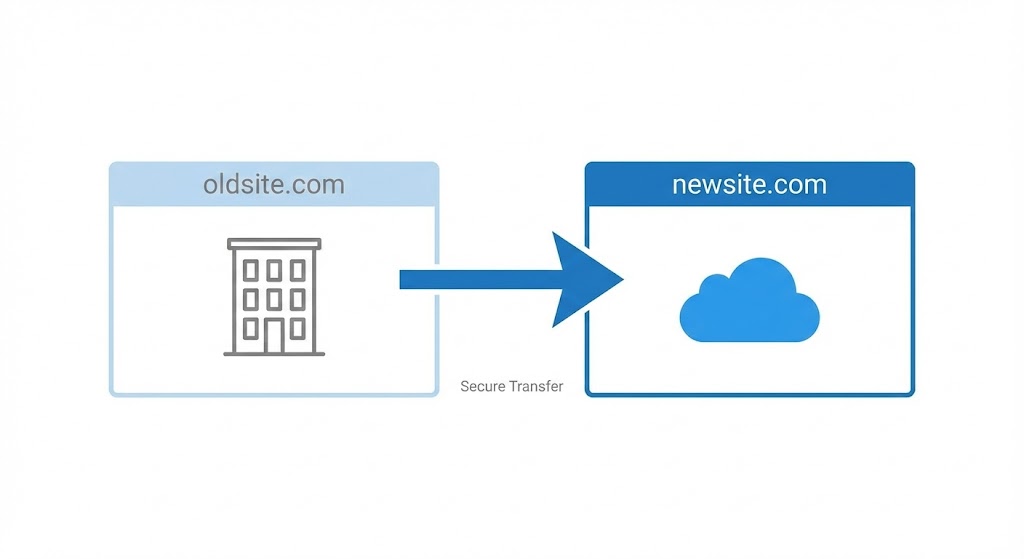
As the name suggests, this is the dislocation from the old domain to the new one. While it may sound simple, every link pointing to the old domain pages needs to be redirected properly. Otherwise, all the SEO authority built over the years can disappear with a single click.
2. Platform Migration
Example: Switching from WordPress → Shopify
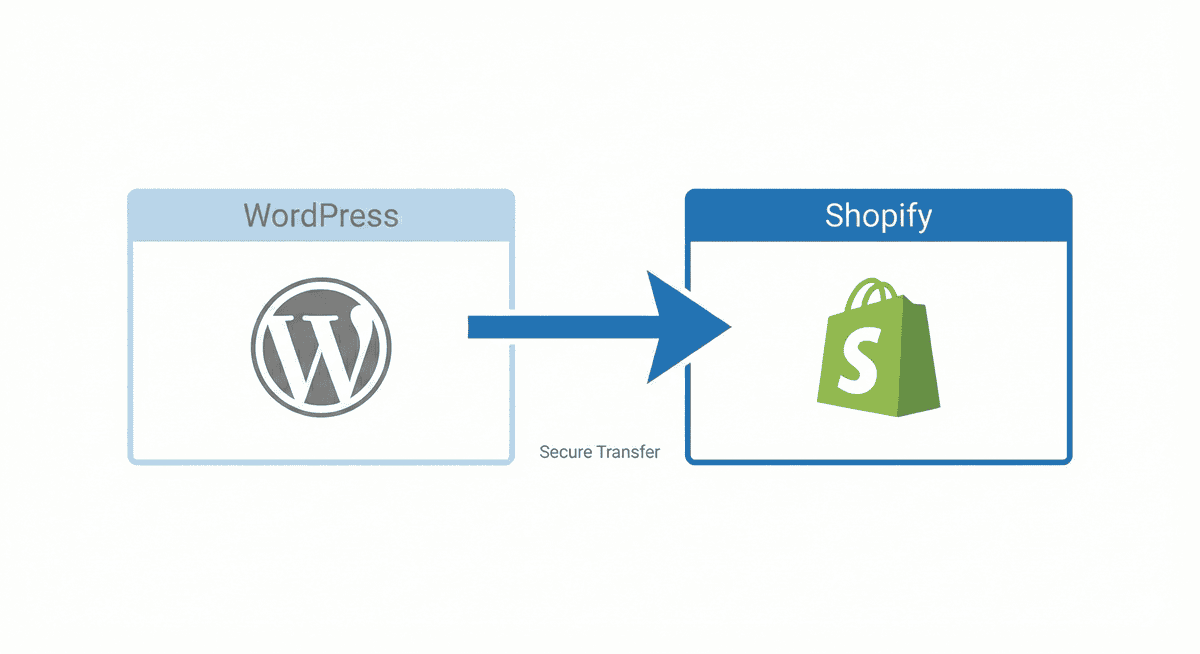
You may want to switch to a new CMS (content management system) to gain better performance, features, or third-party integrations. The main challenges of platform migration arise from the difference in content structuring. Without careful setup, URLs can change, page templates may break, and search visibility can suffer.
3. UX-Driven Redesign
Example: Redesigning the entire site layout
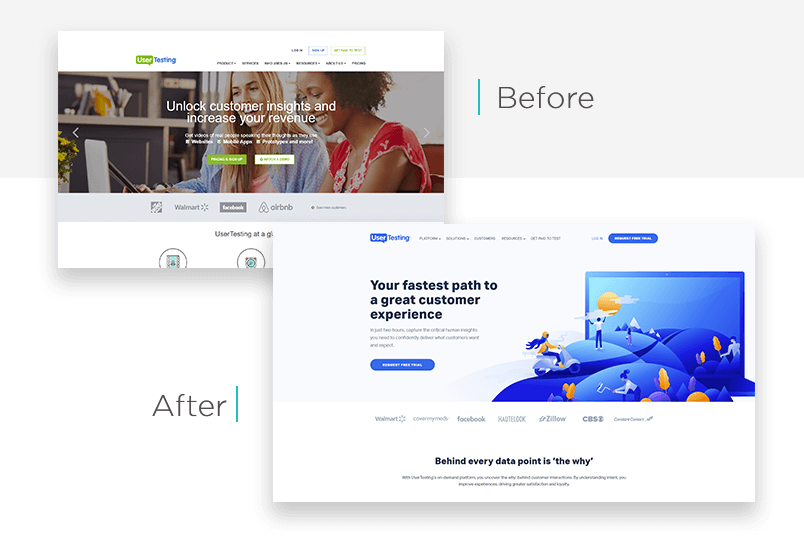
When the goal is improving design and usability, it’s essential to pay extra attention to navigation paths and content hierarchies. If they shift too drastically, both users and search engines might struggle to recognize the new structure. As a result, the modern and mobile-friendly layout introduces more technical issues rather than boosting conversion rates.
6 Reasons for Website Migration
When a business decides to migrate a website, it usually marks a pivotal stage in the company’s digital development. You don’t change domains or CMS platforms for the sake of it. The need for changes comes with critical growth points like business rebranding, scaling, or improving performance.
But here’s the thing: every type of migration carries risks. Therefore, consider weighing the pros and cons of your decision to keep the rankings and leads intact.
Rebranding or Domain Change
When renaming a company or changing its brand identity, the domain also needs updates. But in practice, if redirects aren’t mapped correctly, all that SEO value you’ve built up over the years can disappear. Even a single missed redirect has the potential to cause high-value pages to drop out completely of the index. To prevent this, every URL on the old domain needs a one-to-one redirect to its new place.
Hosting or Platform Upgrade (Replatforming)
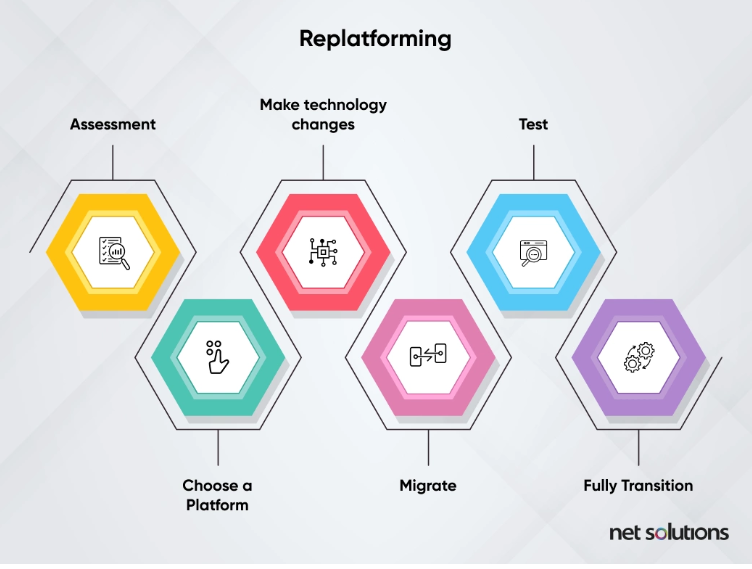
When businesses outgrow their platform or hosting provider capabilities, the first thing they start considering is finding new alternatives. The reasons for replatforming may differ. Sometimes the website is too slow on shared hosting, or the CMS doesn’t have the features needed for scaling.
Moving from WordPress to Shopify, or from Wix to Webflow, is a common example.
However, note that each platform structures content differently. Websites built on WordPress, for instance, can rely on a flexible system of posts, pages, and taxonomies with detailed customization opportunities. Wix, on the other hand, uses a more template-driven approach, meaning your content will be tied closely to the platform’s design framework.
Website Redesign and UX Improvements
Redesigning a website doesn’t always suggest migration, but it may trigger significant changes affecting your SEO performance. Updating the layout, navigation, or visual hierarchy can transform how users interact with the site, which is a positive step for engagement and conversions.
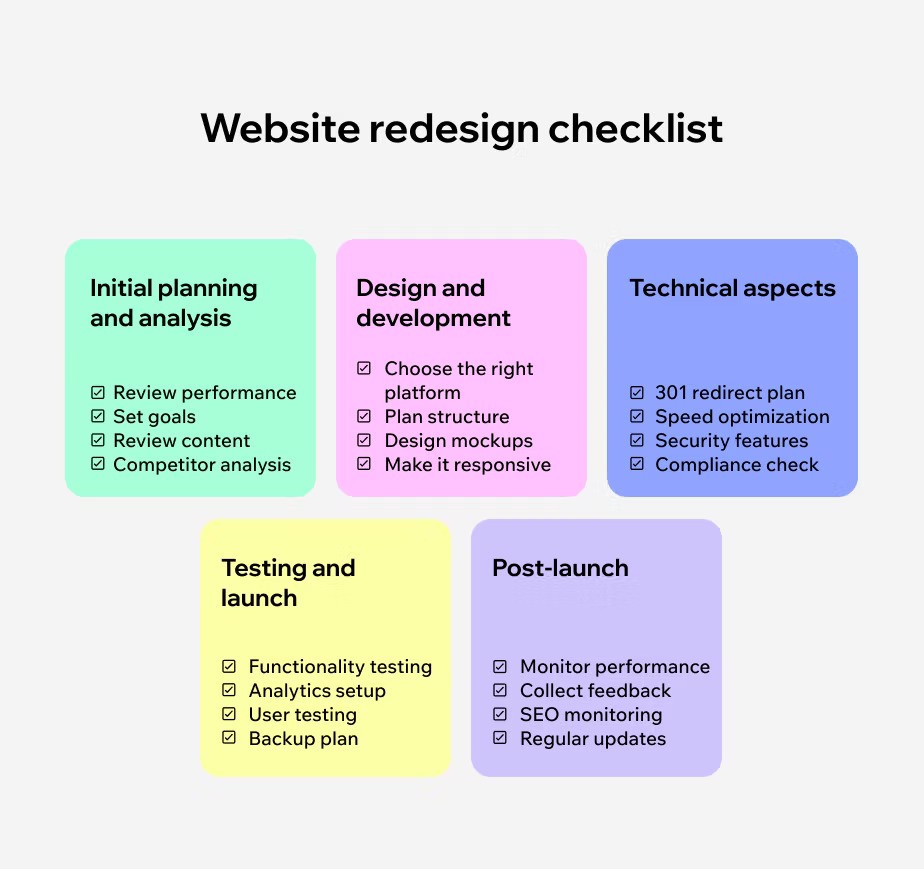
Risks arise when design updates begin disrupting established SEO signals unintentionally. For example, if high-traffic pages are removed or moved deeper into the structure, search engines may no longer view them as primary landing points. Even changes to headings, internal linking, or media placement can alter how Google interprets the page.
Therefore, website redesign services should always consider the technical aspect and include a detailed SEO review to ensure changes don’t affect the visibility. At Andava Digital, this approach is built into every project we deliver.
Structural Changes or Content Overhaul
Another common reason is reorganizing site architecture to change URL paths, such as moving from /blog/post-title to /resources/post-title. This decision creates a more consistent and hierarchical structure, yet from an SEO perspective, it can affect the established indexing.
In such cases, redirect or URL mapping preserves link equity, avoids duplicate pages, and ensures search engines understand that the updated structure represents the same trusted content.
SEO-Driven Migration
The need to resolve SEO-related issues holding back performance also results in migrating a website. The process often includes addressing duplicate content, improving Core Web Vitals like the site speed and mobile responsiveness, or restructuring templates for better crawlability.
Unlike other cosmetic changes, SEO-driven migrations focus on strengthening the technical foundation of the website. Precision in this case is critical. A misconfigured redirect or missing structured data can offset the gains, so every change must be tested and validated before launch.
Mergers or Acquisitions
When businesses combine, their sites often merge too. This is probably one of the most complex migrations, involving two sets of content, backlinks, and brand signals.
Careful planning and migration structuring are crucial here, involving steps like:
- Consolidating overlapping content to avoid issues like duplication and keyword cannibalization.
- Mapping redirects so authority flows from both domains into the new structure.
- Auditing backlinks to retain valuable references and update them where possible.
- Aligning branding and messaging so users experience a consistent identity.
Risks of Website Migration
Even the best-laid migration plans can go off the rails when the process is handled poorly. Every migration must anticipate and manage a couple of principal risks to save the core traffic, lead flow, and bottom line.
1. Lost Rankings from Missing or Improper 301 Redirects
If old URLs aren’t redirected properly to their new equivalents using 301 redirects, search engines may treat the new site as a brand-new entity. This causes a loss of SEO equity built over the years. Many migrations report major rank drops simply because vital pages weren’t mapped correctly.
A 2025 study found that 17% of domain migrations in their sample didn’t see organic traffic return to prior levels even after 1,000 days.
That suggests losses from mismanaged redirects or structural shifts can linger for years.
When rankings drop, your high-intent pages vanish from search results, reducing your funnel at the top. That means fewer leads and less revenue flowing in.
2. 404 Errors That Kill Traffic
Broken links or missing pages (404 errors) occur when URLs change but aren’t correctly redirected. These “dead ends” scare off both users and bots.
Imagine someone clicks a link from Google and lands on a “Not Found” page, immediately eroding trust. With enough of these, Google reduces crawl allocation to the site or de-prioritizes pages entirely. Result: organic sessions fall sharply.
3. Broken Sitemaps Causing Indexing Problems
If the XML sitemap isn’t updated to reflect new URLs, or if it points to broken links or excluded pages, Google’s indexing can falter. Search engines may stop crawling or drop important pages from the index.
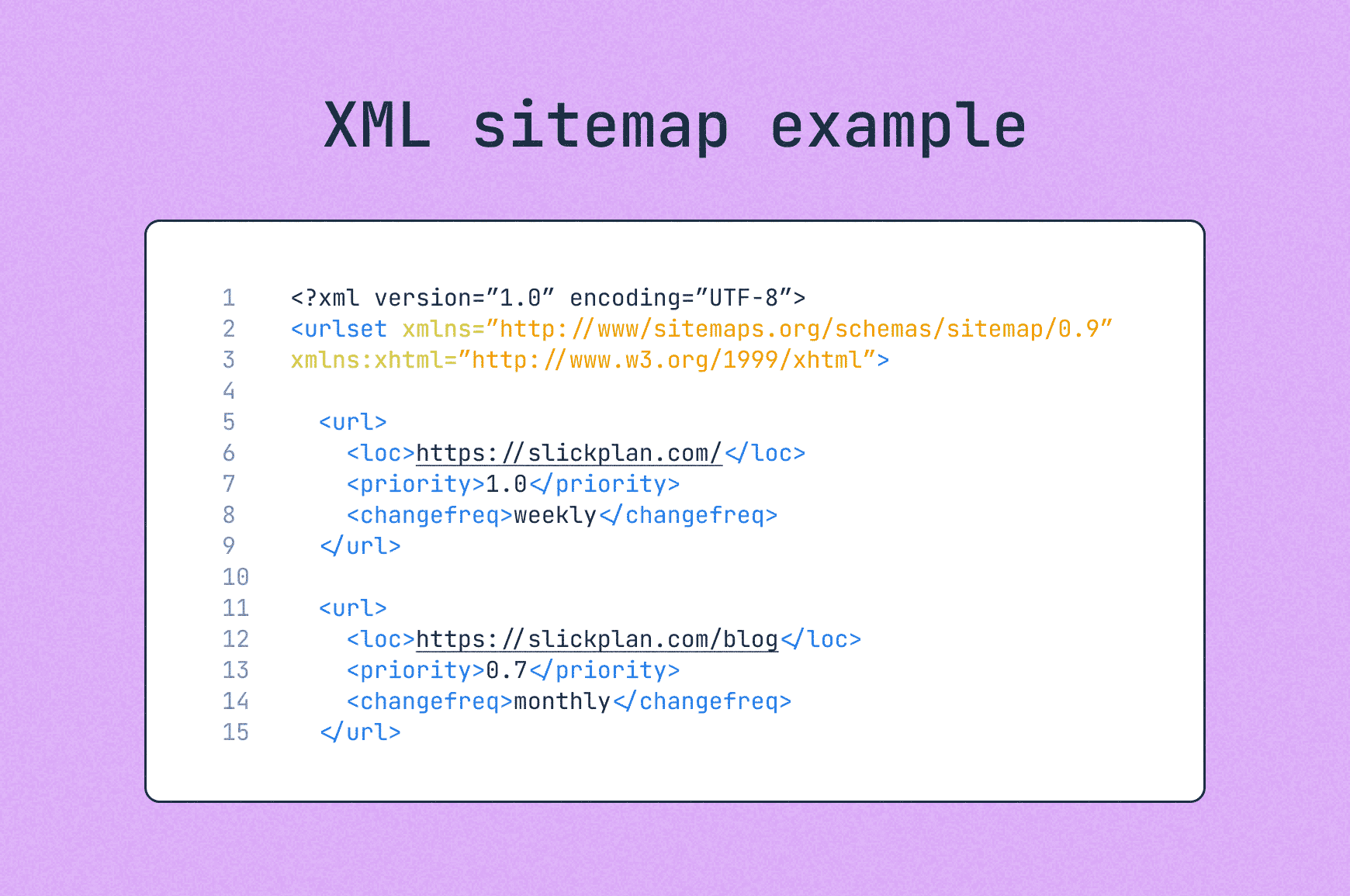
An outdated sitemap sends mixed signals: “These pages matter” versus “These pages don’t exist.” The result is lost visibility for many new or migrated URLs.
The Impact on Leads & Revenue
When you lose rankings, suffer traffic loss, or lose data visibility, the effect isn’t theoretical but real. Fewer visitors mean fewer leads. If your analytics fail, you can’t tell which campaigns are working. If slower speed or broken pages degrade user experience, conversion rates fall.
In short: poor migration = lost opportunities.
In extremely volatile cases, companies report traffic declines post-migration immediately (when things go very wrong). That’s a huge hit to lead flow and a major strain on revenue.
Website Migration Process: A Complete Checklist
Smooth website migration cannot happen by chance, as it’s a product of detailed planning and professional execution. From the initial strategy development to the final launch, the process of migrating needs to be approached with the same care as a major business project.
Below is a step-by-step framework that outlines how to handle a migration without sacrificing SEO performance, users’ brand experience, or business continuity. It’s the same type of structured checklist our team at Andava Digital has refined through years of migration projects.
Planning a Successful Website Migration
With years in the field, we know that most migration failures don’t come from the technical switch itself, but from the lack of structure before it happens.
Here’s your migration planning checklist:
- Define Clear Goals: UX improvements, faster speeds, SEO growth.
- Assemble a Cross-Functional Team: SEO, developers, designers, and content managers.
- Create a Migration Timeline: Map stages, deadlines, and responsibilities.
- Develop a Communication Plan: Notify stakeholders and prepare announcements.
- Define KPIs: Traffic, rankings, and conversions to measure results.
Pre-Migration Preparation Checklist
| Task | Why It Matters | |
| ✅ | Back up your current website | Protects data and allows quick restoration if migration fails. |
| ✅ | Use a staging environment | Allows you to test the new site safely before going live. |
| ✅ | Inventory content & URLs | Ensures no valuable pages or assets are lost. |
| ✅ | Plan 301 redirects | Preserves rankings, backlinks, and referral traffic. |
| ✅ | Freeze content changes | Prevents edits from being lost during the transition. |
| ✅ | Review the new site thoroughly | Checks design, speed, and navigation for quality. |
| ✅ | Prepare technical SEO elements | Keeps meta tags, schema, sitemaps, and canonicals intact. |
| ✅ | Do accessibility & cross-browser testing | Confirms mobile readiness and performance across devices. |
Executing the Website Migration (Launch Phase)
The launch phase is where planning turns into execution, meaning everything done up to this point comes together. Even a minor oversight during the launch can bring in lost visibility and a broken user journey.
The first step is to choose the right time for deployment. Low-traffic hours will reduce the chances of disrupting users and allow your teams to address issues before peak activity begins. Consider having maintenance notices prepared in case the migration results in downtime, so that visitors are informed of what’s happening.
Once every preparation is confirmed, the new website is pushed live, and Domain Name System (DNS) settings are updated if a domain change is involved. At this moment, aspects like 301 redirects should be promptly activated to preserve link equity and funnel traffic to the correct pages. Moreover, any temporary crawl blocks should be removed so Google can access the live version immediately.
After flipping the switch, quality assurance becomes the priority. All critical elements, including forms, navigation menus, meta tags, and page URLs, must be tested in real time.
Post-Migration Monitoring and Optimization
Once the new website version goes live, constant monitoring and optimization become inevitable. Start with the overall performance and traffic patterns while comparing the numbers to pre-migration benchmarks. Google Search Console should be checked to confirm that important URLs are being indexed properly and that no pages have been left behind. Regular audits help identify 404 errors or redirect issues that could drain traffic. In cases where in-house resources or technical expertise are limited, organizations may also consider outsourcing professional website audit services to support this process.
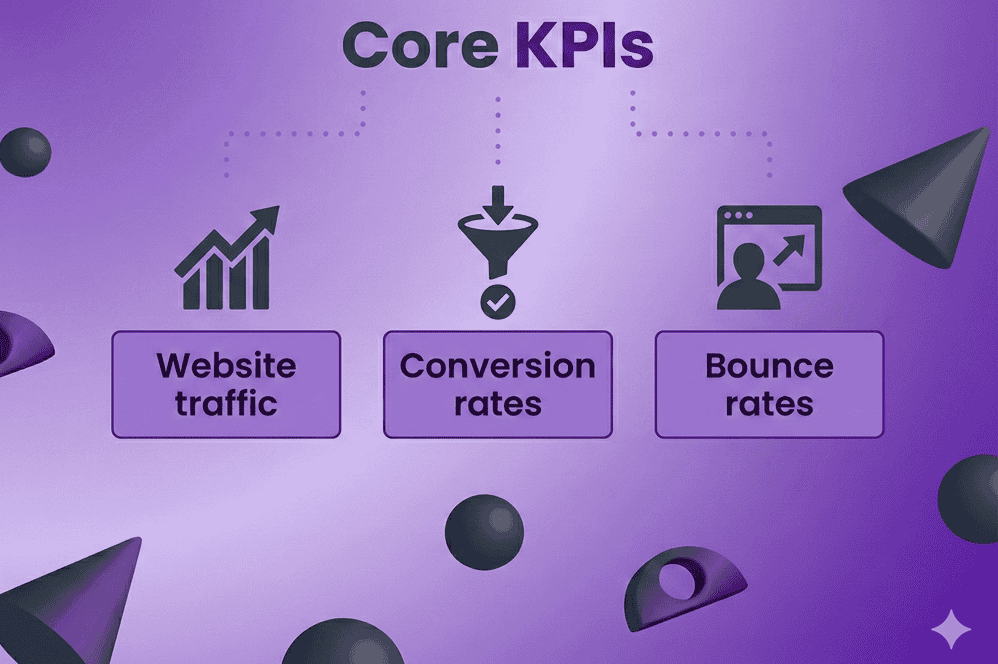
Another important thing is tracking keyword rankings and organic visibility, which will provide direct insights into how well the migration has preserved your industry authority. Pay attention to core KPIs like:
- Website traffic
- Conversion rates
- Bounce rates
Everything should be analyzed against historical data to highlight any concerning shifts.
Running a full technical SEO audit will also help uncover hidden problems with metadata, structured data, sitemaps, and canonical tags. Even the strongest redesign or platform upgrade will fail if these elements are overlooked.
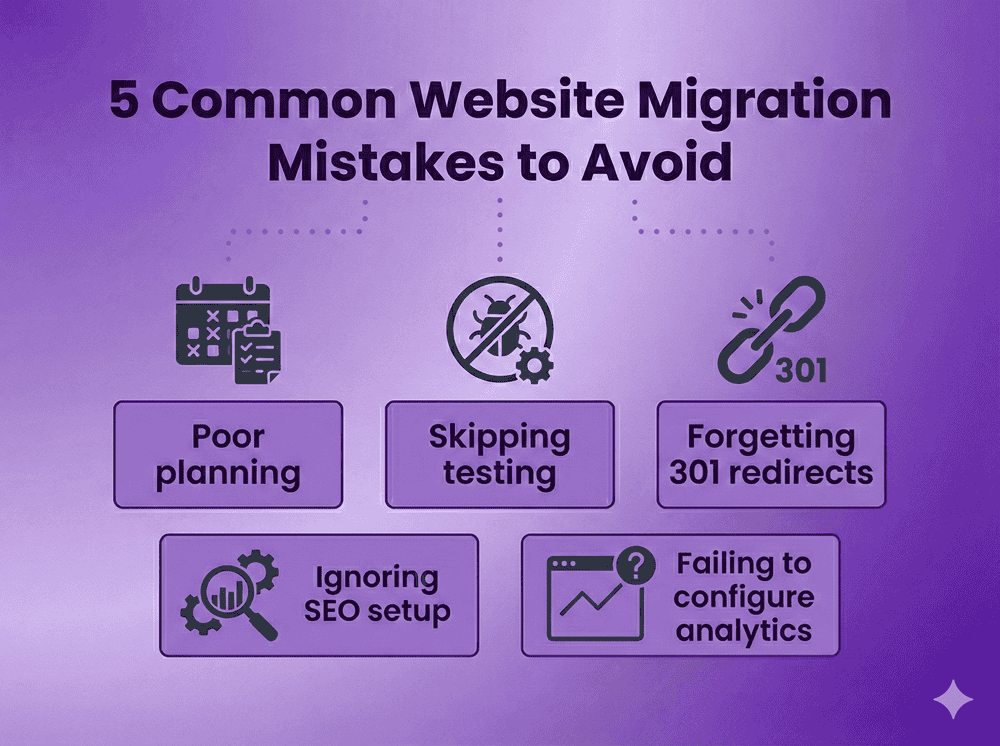
5 Common Website Migration Mistakes to Avoid
Even with a solid and smooth execution, migrations can go wrong if some common mistakes aren’t addressed promptly. Knowing some will ensure you are more than prepared for a successful outcome:
- Poor planning → unexpected traffic loss. Without a structured roadmap, critical steps get missed, leading to broken links, downtime, and disrupted user journeys.
- Skipping testing → live bugs and broken layouts. Launching without thorough staging tests often results in design flaws or technical glitches becoming visible to users.
- Forgetting 301 redirects → SEO disaster. Skipping to update old URLs with their new counterparts will result in search engines treating them like lost pages, thus neglecting the gained authority.
- Ignoring SEO setup → lost rankings. Metadata, structured data, sitemaps, and robots.txt files are essential for search engines to interpret the new site. Overlooking them damages visibility.
- Failing to configure analytics → blind spots in reporting. Without proper tracking, performance cannot be measured, leaving businesses unaware of traffic drops or conversion shifts.
Tools and Resources for Effective Website Migration
The right set of tools and resources is half of a successful SEO site migration. Everything from backups to audits and testing requires a specialized toolset to ensure the process runs smoothly and as planned.
Backup & Migration Tools
Reliable backups are essential before making any changes. These tools ensure you have the exact copy of your current website that can be easily restored if problems occur during migration.
Updraft
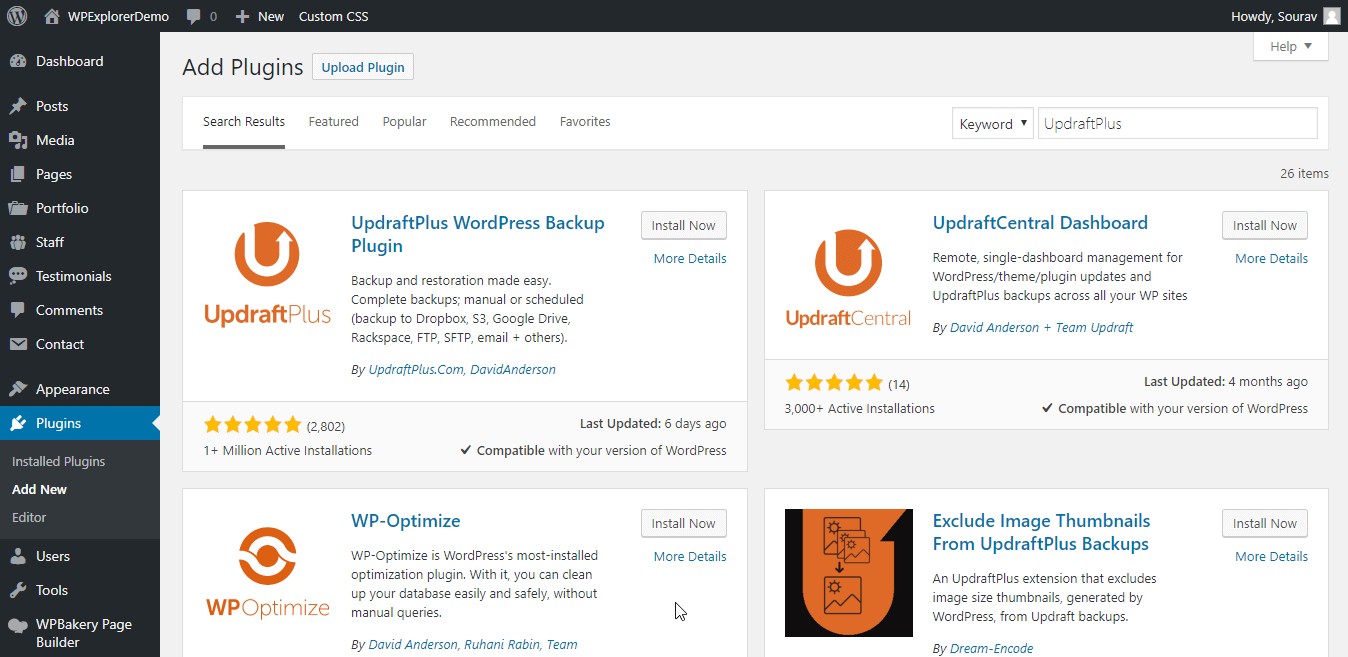
Updraft is a widely used backup plugin for websites built on WordPress, allowing automated backups to cloud storage services like Google Drive and Dropbox. If anything goes wrong during the migration, the complete copy will ensure you can restore the website’s initial state quickly.
Duplicator
Duplicator also simplifies the process of cloning, backing up, and moving websites powered by WordPress. It turns the websites into migration-ready bundles, making the migrations significantly easier.
Jetpack
Jetpack offers security and performance features, as well as real-time built-in backup capabilities to ensure no data is ever lost. For migrations, this provides ongoing protection and recovery options, ensuring minimal disruption if errors occur post-launch.
Website Crawlers & SEO Audit Tools
Crawling and auditing tools reveal technical issues that may otherwise go unnoticed. That’s how you get notified about possible SEO risks before and after the migration.

Screaming Frog
Screaming Frog is one of the most trusted SEO crawling tools. It scans every URL, identifies missing metadata, broken links, and redirect chains. These issues are critical to catch before and after migration.
Sitebulb
Understanding the site structure is much easier with Sitebulb, as it provides advanced visual audits with detailed reports on crawl issues, duplicate content, and orphaned pages. This provides extra insights and a clear picture of what needs fixing during and after the migration.
Lumar (formerly Deepcrawl)
Lumar offers enterprise-level crawling and monitoring. It tracks technical SEO health at scale, making it ideal for larger websites where migration carries higher complexity and risk.
Analytics & Tracking
Accurate tracking ensures you can measure performance against pre-migration benchmarks. Analytics tools also verify that traffic, conversions, and user behavior are properly captured once the new site goes live.
GA4 (Google Analytics 4)
GA4 is the current standard for analytics, capturing event-based data across devices. During migration, it helps benchmark pre-launch performance and measure how rankings, traffic, and conversions shift afterward.
Looker Studio
Looker Studio (formerly Data Studio) allows data visualization across multiple sources. Building dashboards with pre- and post-migration metrics provides stakeholders with a clear view of the migration’s impact.
Hotjar
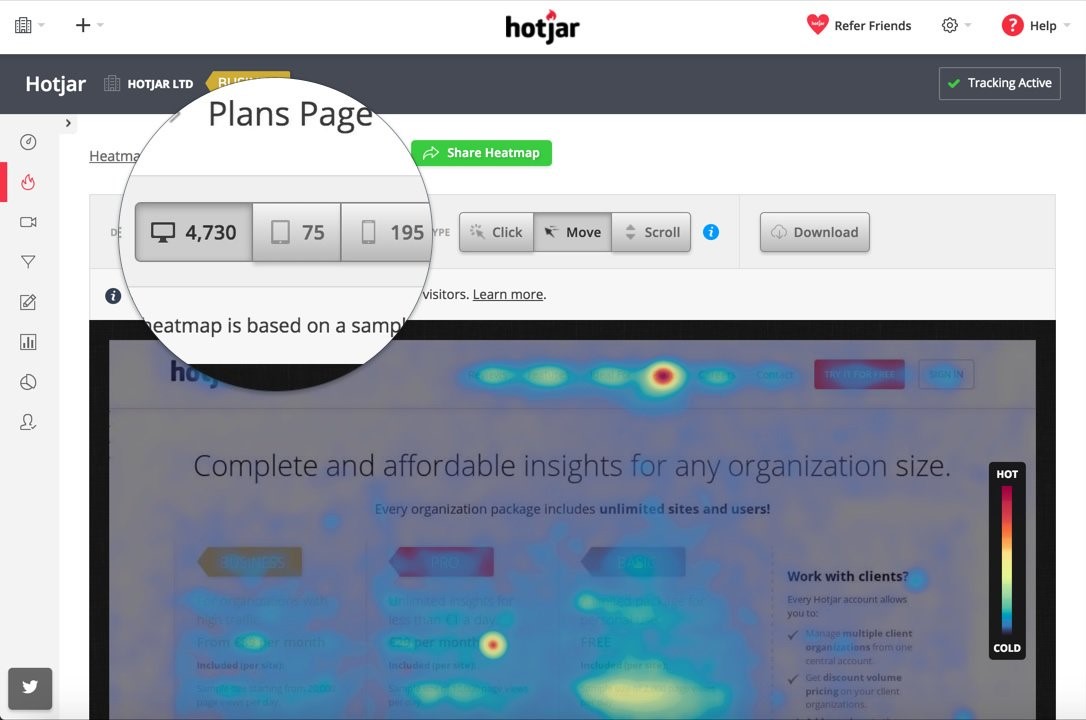
Hotjar offers behavioral tracking through heatmaps and session recordings. This helps evaluate whether the redesigned site supports user journeys effectively and where usability issues may appear post-migration.
Keyword Rank Trackers
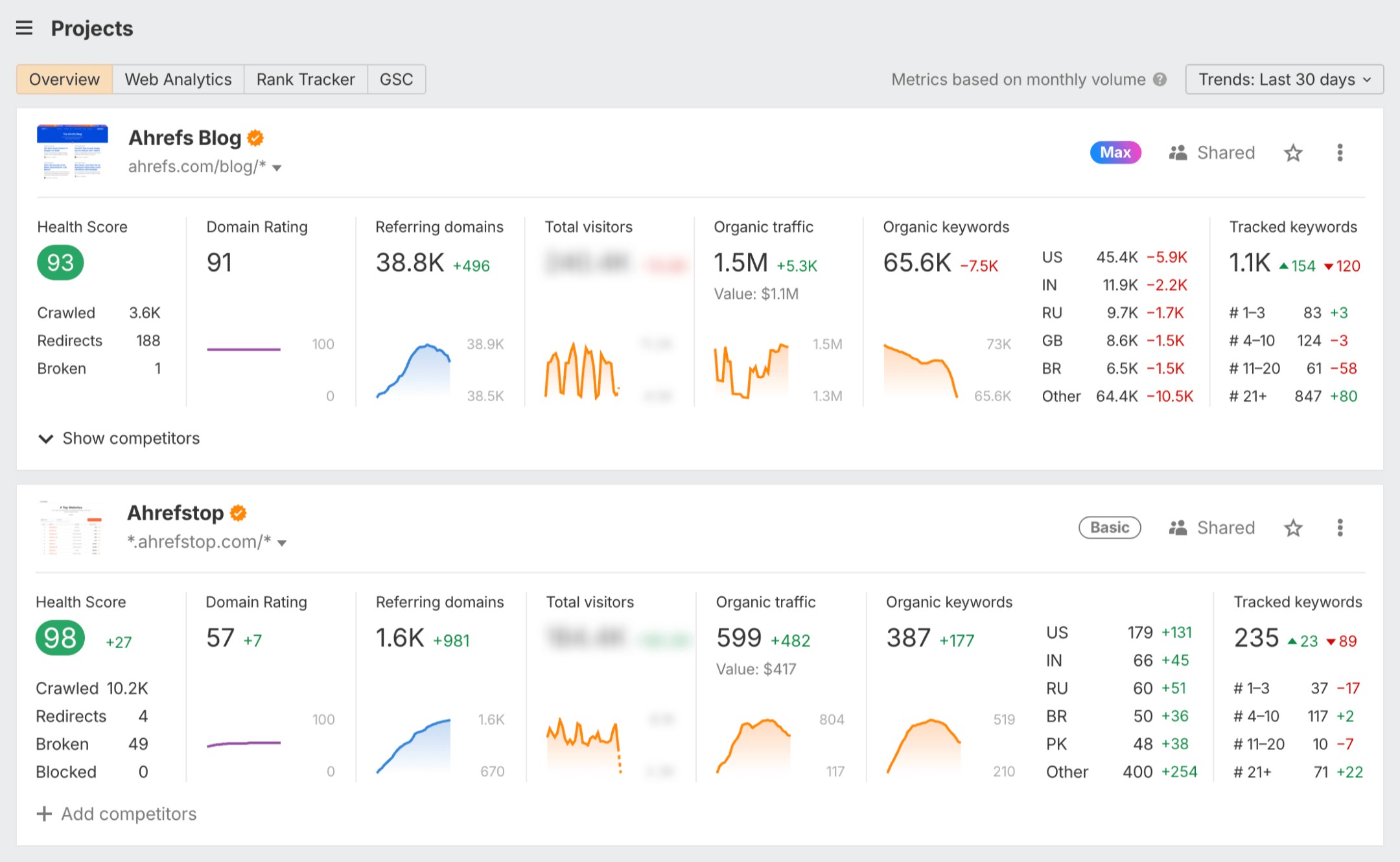
Rank trackers monitor how well the site maintains visibility for target keywords. They provide insights into whether the migration preserved authority or if adjustments are needed post-launch.
Ahrefs
Ahrefs is essential for monitoring keyword rankings, backlinks, and competitor landscapes. Tracking positions before and after migration highlights whether the site retains its visibility or if certain keywords are slipping.
Semrush
Semrush offers detailed rank tracking alongside site audit tools. It’s particularly useful for monitoring keyword performance regionally, helping businesses understand where visibility is preserved or lost across markets.
Project Management Tools
Migration involves multiple teams and tasks that require smooth management. Planners and similar tools keep everything organized with clear timelines and accountability shared across everyone involved.
Asana
Asana helps teams organize migration tasks into timelines and projects. With features like task assignments and progress tracking, it ensures accountability across all stakeholders.
Trello
Trello uses a card-based system that’s intuitive for mapping out checklists. During migration, it provides a clear visual overview of what has been completed and what remains pending.
ClickUp
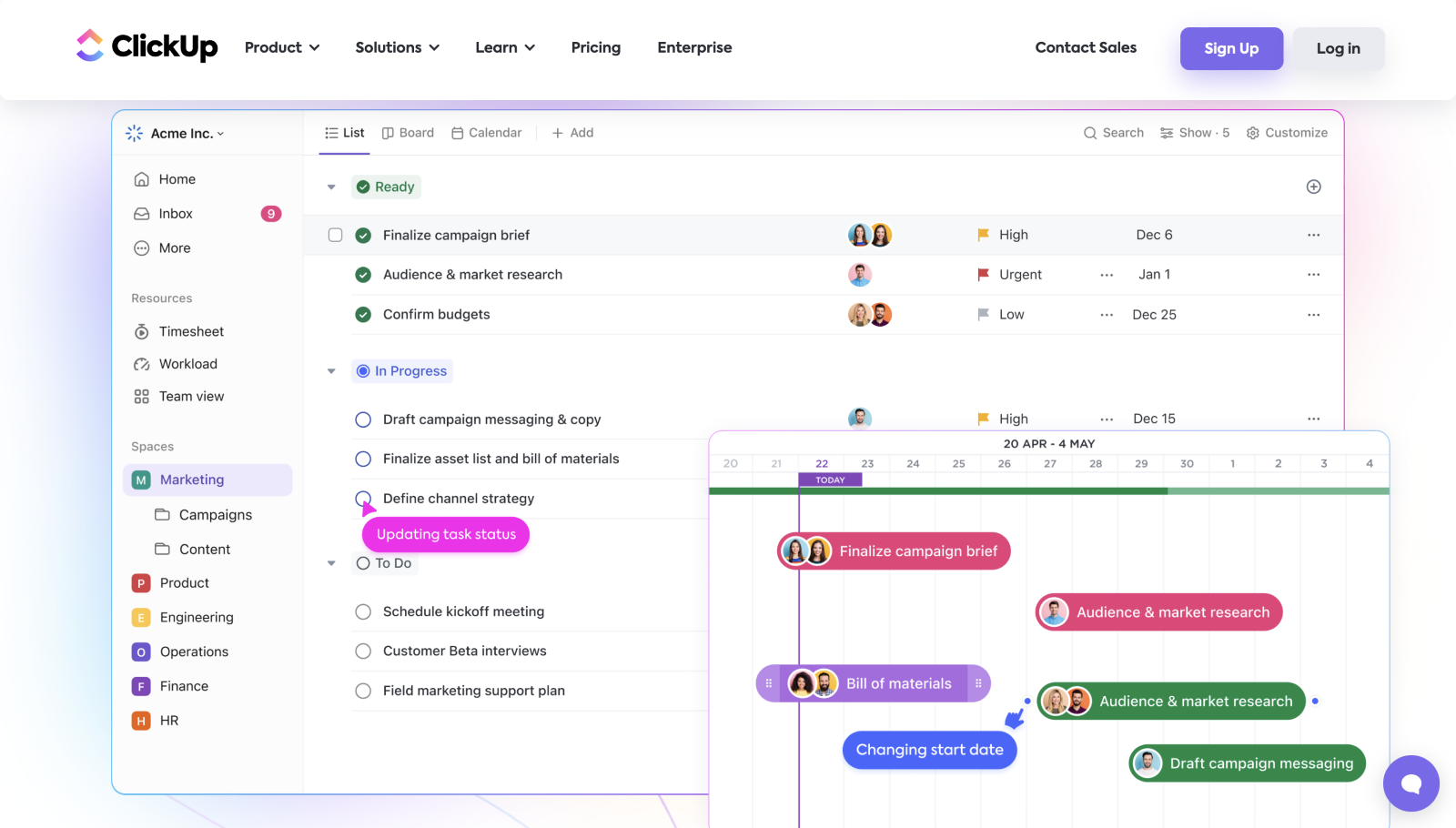
ClickUp combines task management, documentation, and reporting in one tool. It’s especially useful for cross-functional teams managing complex migrations with overlapping responsibilities.
Testing & QA Tools
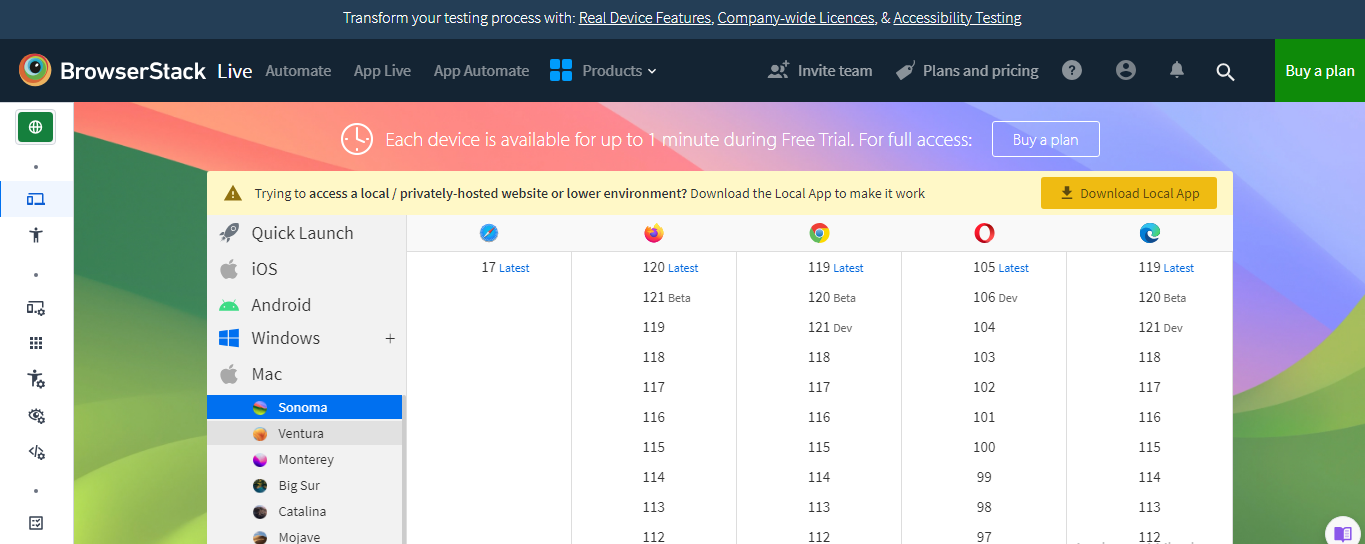
Testing tools confirm that the site works as intended across browsers, devices, and accessibility standards. They catch usability or compliance issues before they affect real users.
BrowserStack
BrowserStack allows testing across multiple browsers and devices in real time. This ensures that the migrated site displays correctly for all users, regardless of platform.
WAVE
WAVE is an accessibility evaluation tool that highlights issues like missing alt text or poor color contrast. Addressing these during migration ensures the new site meets accessibility standards.
Axe DevTools
Axe DevTools provides developers with in-depth accessibility testing integrated directly into browsers. This helps catch compliance issues early in the QA process.
Choose Andava Digital for Seamless Website Migration
At Andava Digital, we focus on making website migrations smooth and risk-free. Our team handles everything that matters, including technical SEO, redirects, analytics setups, and user experience.
Ready to move forward with confidence? Partner with Andava Digital to protect your rankings and set a new foundation for your business growth.